Powershell module
Introduction
Xen Orchestra (XO) is a powerful tool for managing XCP-ng and XenServer virtualisation environments. However, relying solely on the web interface can result in repetitive manual tasks. For system administrators, particularly those working in Windows-centric environments, PowerShell is the go-to automation tool. The xo-powershell module combines the strengths of these two tools by offering PowerShell's scripting capabilities to interact directly with the Xen Orchestra API. This article presents the most impactful features of the module, which can significantly simplify and accelerate the management of your virtualisation infrastructure.
Single-Line Installation and Connection
The xo-powershell module stands out for its ease of adoption, with simple installation from the PowerShell Gallery in a single command.
Prerequisites: PowerShell 7.0 or higher. The module is compatible with Windows PowerShell and PowerShell Core.
Install-Module -Name xo-powershell -AllowPrerelease
Likewise, connecting to your Xen Orchestra instance is just as straightforward, requiring only the host address and an API token.
Obtaining the API token: In Xen Orchestra, go to User Space → Edit my settings → Authentication tokens to generate an API token. Learn more about authentication.
Connect-XoSession -HostName "https://your-xo-server" -Token "your-api-token"
The Power of the Pipeline for Advanced Automation
What distinguishes this module from a simple API wrapper is its deep integration with the PowerShell pipeline. Most commands are designed to pass objects to one another, allowing the creation of single-line commands that are both powerful and expressive.
Example (Simple Usage Examples)
-
List XCP-ng servers:
Get-XoServer
-
Monitor ongoing tasks:
Get-XoTask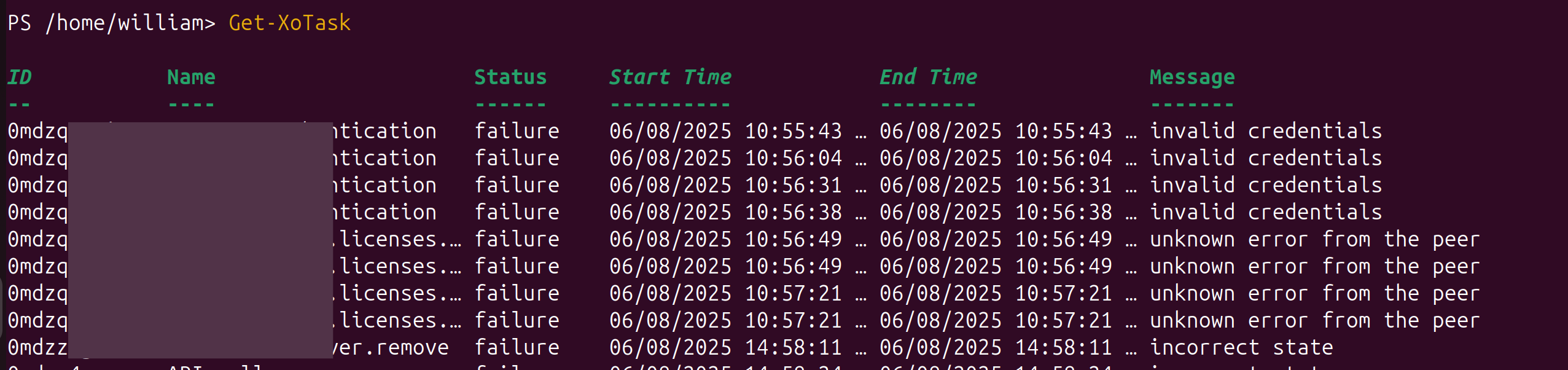
-
Get information about virtual disks:
Get-XoVdi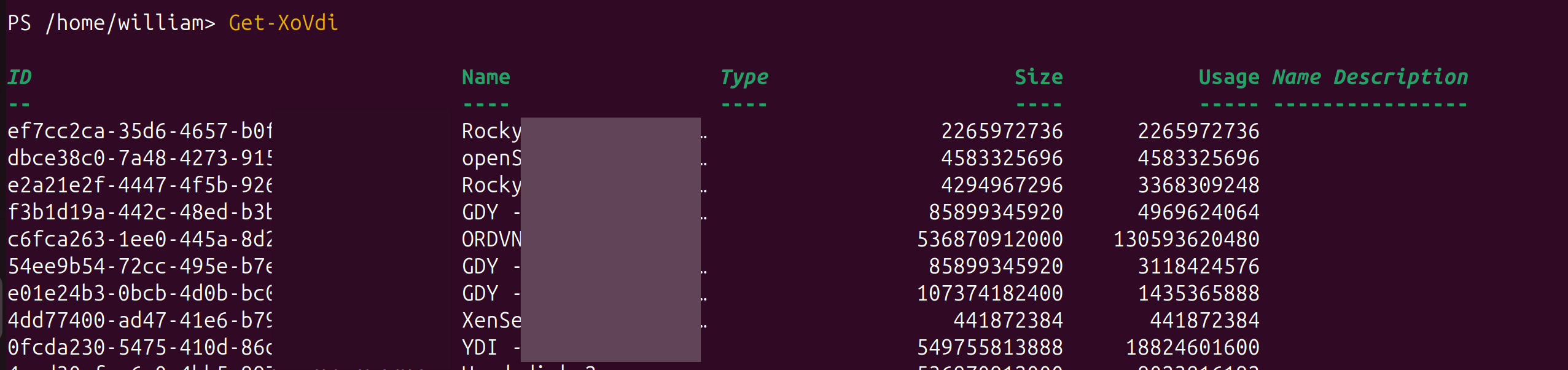
-
To stop all virtual machines whose name contains "
Test," the following command suffices:Get-XoVm | Where-Object { $_.Name -like "*Test*" } | Stop-XoVm-
This command first retrieves the list of all VMs, filters it to keep only those whose name matches the criteria, and then passes only these VMs to the
Stop-XoVmcommand. -
This is possible because
Get-XoVmdoes not simply return text but a collection of PowerShell objects. Each VM object has properties (.Name,.Memory, etc.) that can be inspected byWhere-Objectbefore the complete object is passed to the next command.
-
-
This principle also applies to more complex filtering, such as suspending running VMs with more than 4 GB of memory.
Get-XoVm -PowerState Running | Where-Object { $_.Memory.size -gt 4294967296 } | Suspend-XoVm
This capability transforms script writing, moving from a series of disconnected commands to a fluid flow of data and actions.
Extended Environment Control (VM Management)
Although virtual machine management is an essential function, the scope of the module is much broader, offering complete control over the entire virtualisation environment. It provides in-depth coverage of all facets of the infrastructure.
-
Practical Use Cases
Scenario Command Sequence Benefit Storage Audit Get-XoSr→Get-XoVdi→Get-XoVmVdiComprehensive storage utilization view Maintenance Planning Get-XoHost→Get-XoVm→Stop-XoVm→Wait-XoTaskPlanned maintenance without data loss Session Verification Test-XoSessionVerify automation readiness
This extended control is particularly useful. The 'Wait-XoTask' command enables the creation of robust scripts that wait for lengthy operations (such as creating a snapshot) to complete before continuing execution. This functionality makes the module a true command-line interface for Xen Orchestra and not just a tool for a few common tasks.
Example: Creating virtual machine snapshots
This demonstration shows how to create and verify a virtual machine snapshot.
-
Step 1: Identify a Base VM
Get-XoVm | Format-Table Name, Uuid, PowerState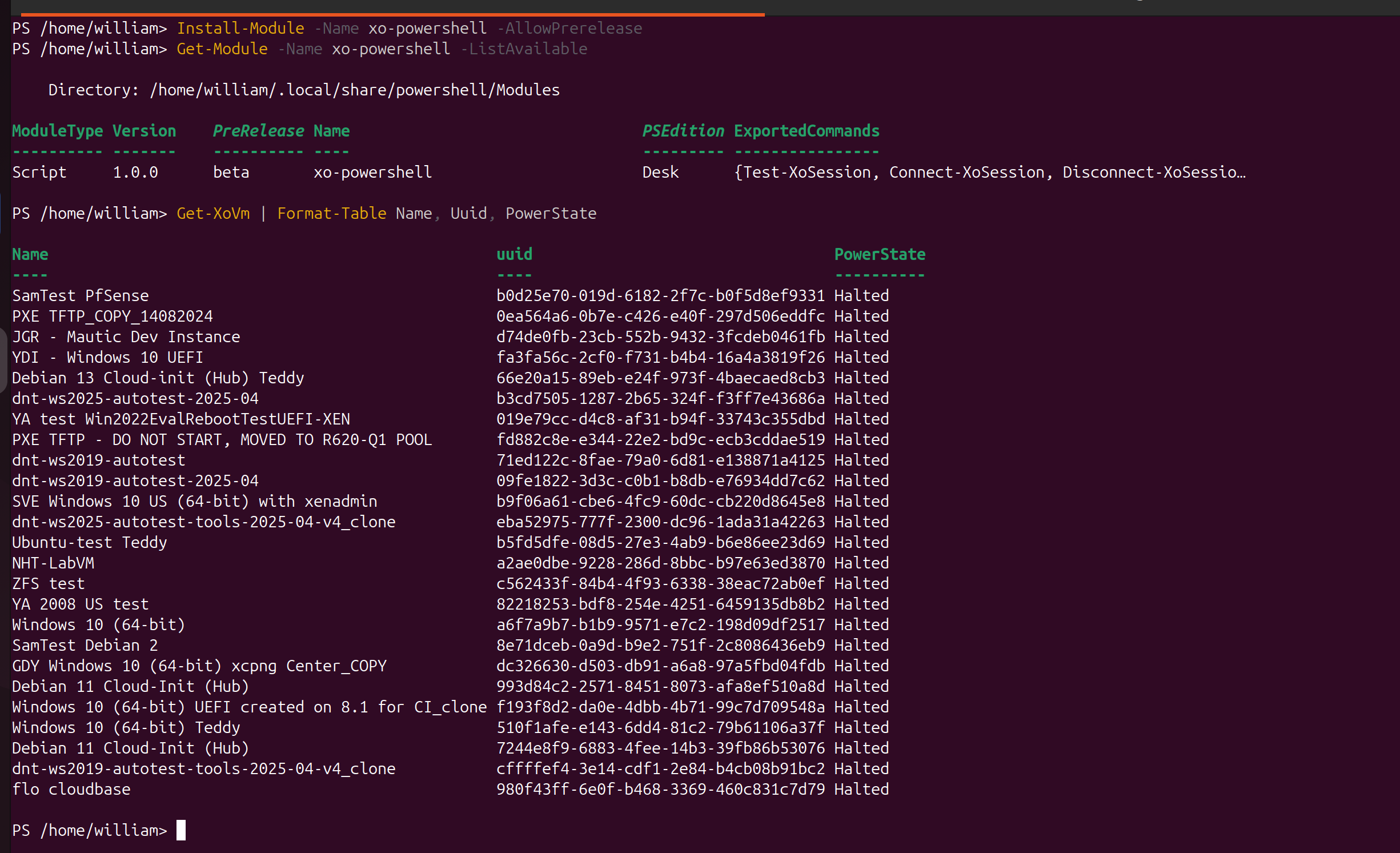
-
Step 2: Create a Snapshot
New-XoVmSnapshot -VmUuid "993d84c2-2571-8451-8073-afa8ef510a8d" -SnapshotName "your-snapshot-name"
-
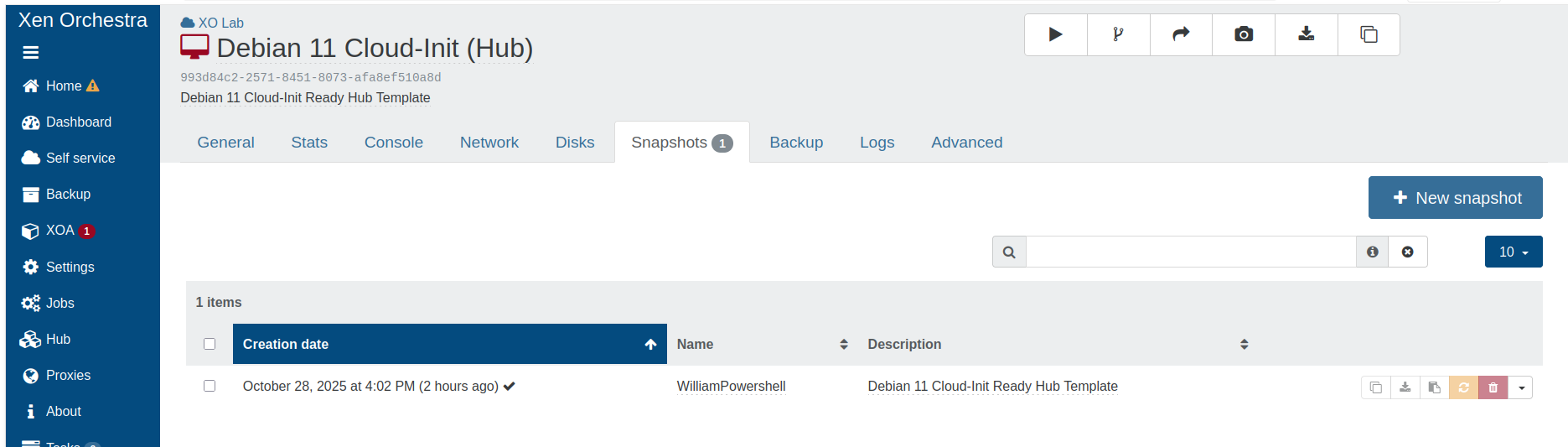
Step 3: Verify Snapshot Creation
Get-XoVmSnapshot -Filter "name_label:your-snapshot-name"
Conclusion: Rethink Your XCP-ng Management
The Xo-powershell module is much more than just a collection of commands: it is a gateway to powerful, scalable and efficient automation within the XCP-ng/Xen Orchestra ecosystem. Leveraging the PowerShell pipeline and a comprehensive set of commands aligns it with the DevOps philosophy, bringing automation practices closer to Windows administrators and helping them save valuable time while reducing the risk of human error.