Update your contact information
VKB-1008How-to
- 📦 Applies to
- XCP-ngXen Orchestra
- 🗓️ Created
- 2021-02-19
- 🔄 Updated
- 2026-10-10
- 🏷️ Tags
Environment
- An existing Vates customer account.
Procedure
-
Log in to your customer space at account.vates.tech.
-
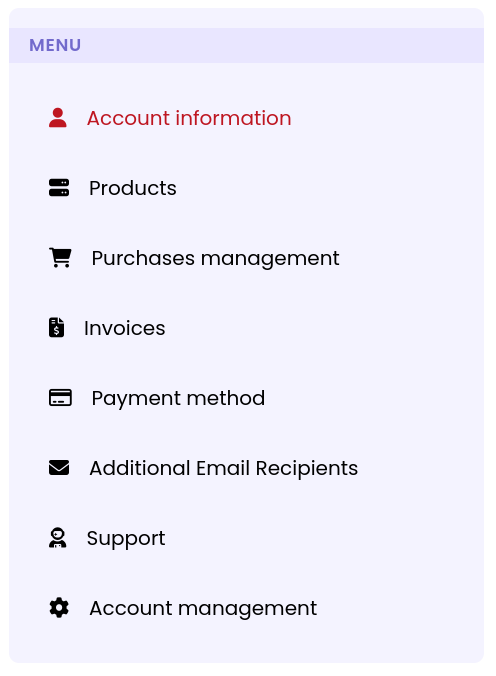
Select Account information in the menu:
-
Update your details, such as your address or company name.
-
Save the changes.
Verification
The updated details are shown in Account information after saving.
Was this page helpful?