XOA check
VKB-1020How-to
- 📦 Applies to
- Xen Orchestra
- 🗓️ Created
- 2024-03-14
- 🔄 Updated
- 2024-03-14
- 🏷️ Tags
XOA check is a way to test if your XOA is correctly configured. It should be the first thing to do if you have any problem.
Environment
- A Xen Orchestra Appliance (XOA), accessed through the web UI.
Procedure
-
In the web UI, open the XOA menu and access the Support section.
-
In this section, launch an
xoa checkcommand: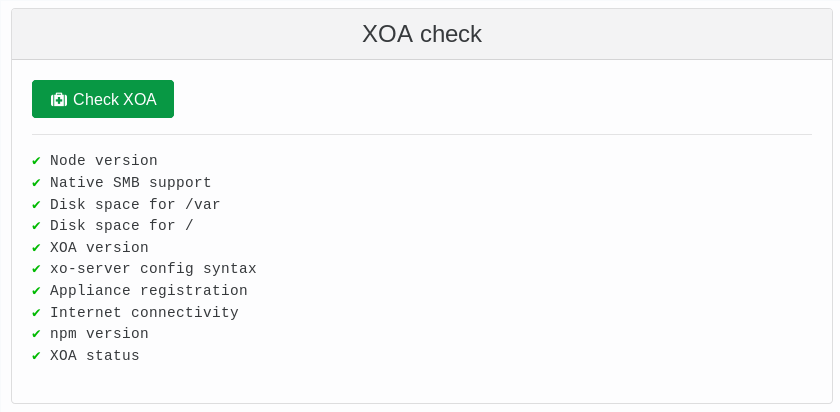
Verification
The results of the xoa check command are displayed in the Support section once the check completes.
Was this page helpful?