Deploy your XOA
VKB-1029How-to
- 📦 Applies to
- Xen Orchestra
- 🗓️ Created
- 2024-03-14
- 🔄 Updated
- 2024-03-14
- 🏷️ Tags
Environment
- An XCP-ng or XenServer host to deploy the appliance on.
- A Xen Orchestra account to log in with.
Procedure
Deploy the appliance
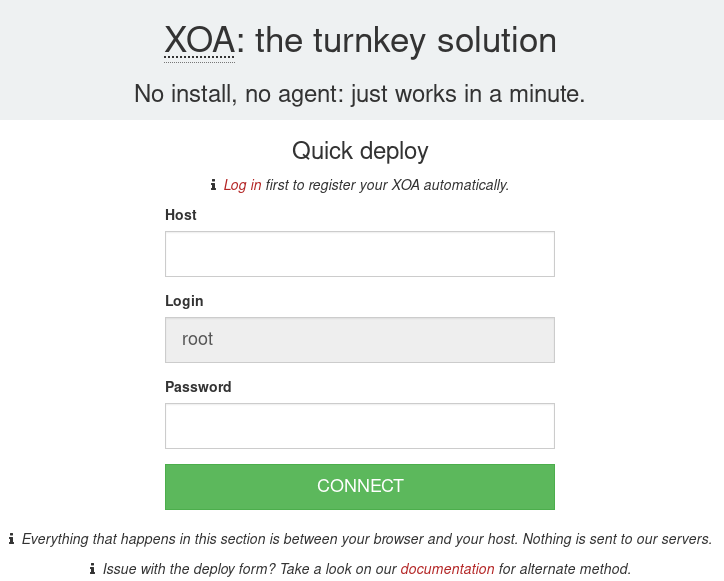
Log in to your account and use the deploy form available on this page.
TIP
- All the deploy code is within your browser, nothing is sent to your server!
First login
Once you have started the VM, you can access the web UI by putting the IP you configured during deployment into your web browser. If you did not configure an IP or are unsure, try one of the following methods to find it:
- Run
xe vm-list params=name-label,networks | grep -A 1 XOAon your host - Check your router's DHCP leases for an
xoalease
Note: we don't generate virtual appliances every month (unlike XO code itself). It's very likely you'll need to update Xen Orchestra after the initial deploy. You need to register to do so!
Verification
The Xen Orchestra web UI is reachable at the appliance IP once the VM has started.
Was this page helpful?