Change keyboard layout for XOA VM through XOA console
VKB-1119How-to
- 📦 Applies to
- Xen Orchestra
- 🗓️ Created
- 2024-03-13
- 🔄 Updated
- 2024-03-13
- 🏷️ Tags
Environment
- A Xen Orchestra Appliance (XOA) VM with SSH access.
Procedure
- Once connected via SSH to the VM, run:
# sudo -s
# dpkg-reconfigure keyboard-configuration
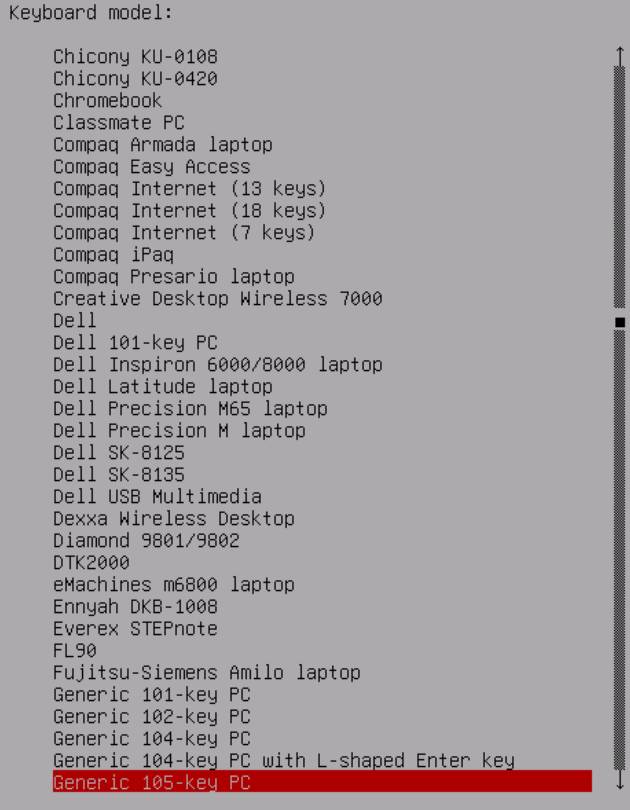
- Once here, choose Generic 105-key PC:
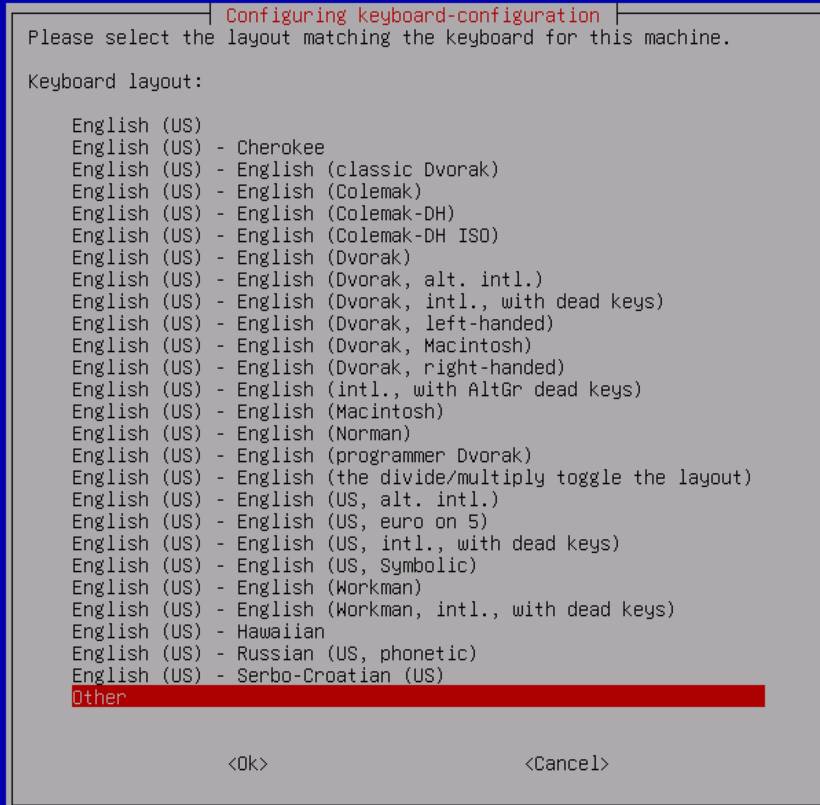
- Choose other:
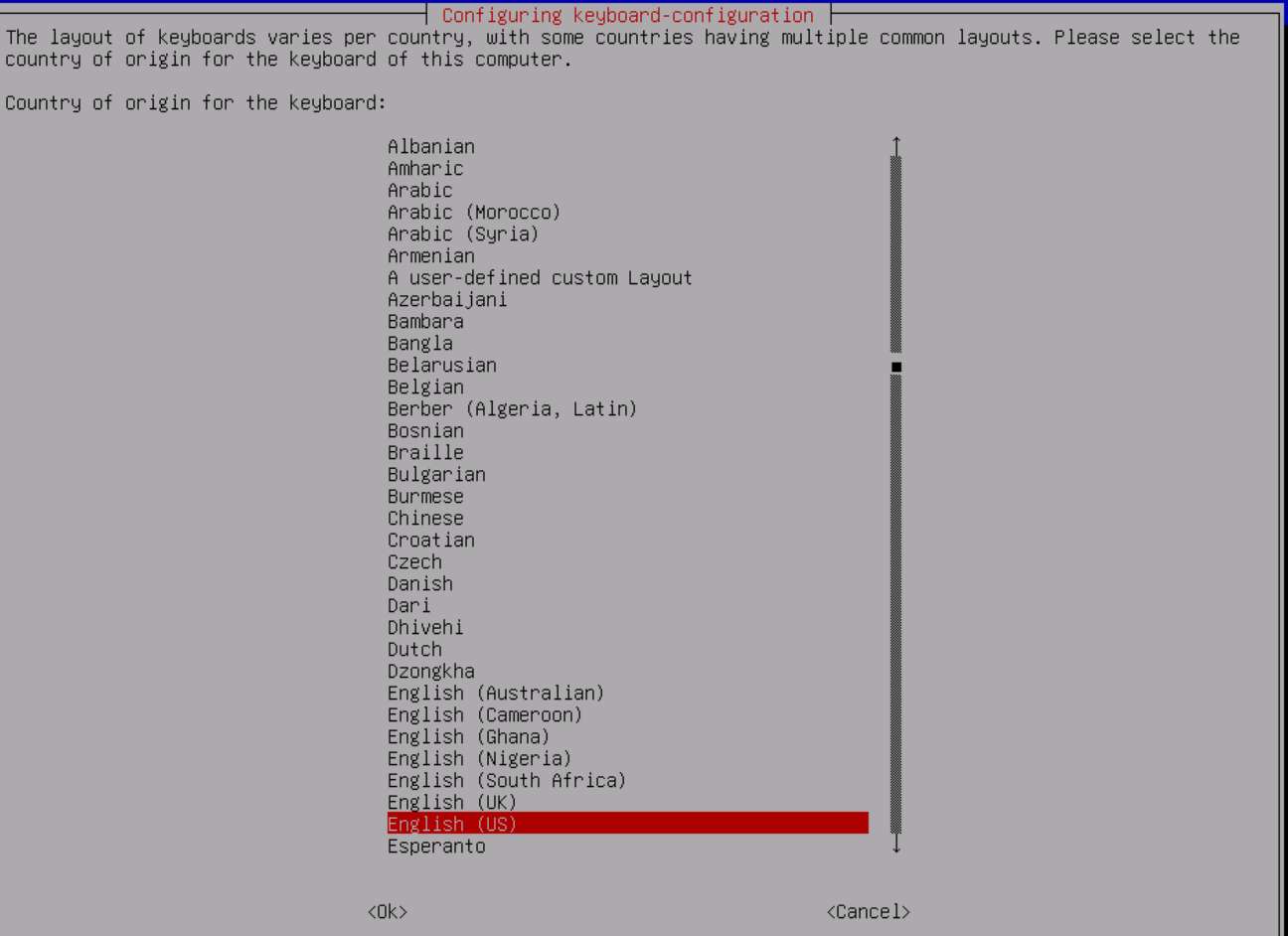
- From here you will have the full keyboard list:
- Reboot the VM for the change to be active.
Verification
After the reboot, the console uses the selected keyboard layout.
Was this page helpful?