Activate a Xen Orchestra license
VKB-1011How-to
- 📦 Applies to
- Xen Orchestra
- 🗓️ Created
- 2022-07-07
- 🔄 Updated
- 2022-07-07
- 🏷️ Tags
Environment
- A Xen Orchestra Appliance (XOA) registered with the account that made the purchase.
- At least one purchased Xen Orchestra license that is not yet bound.
Procedure
-
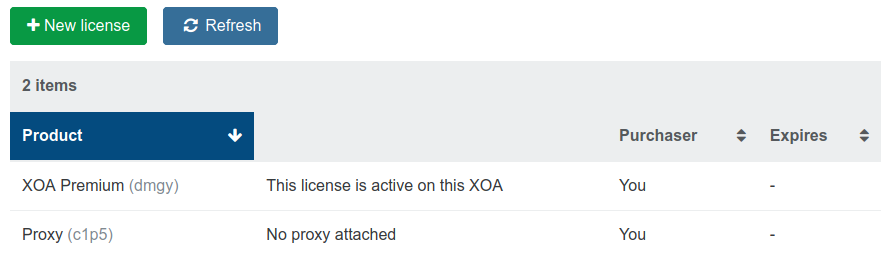
After the purchase, all your available licenses are visible in the license section of your appliance.
-
Every license that is available and not already bound is displayed there with a green Activate license button.
-
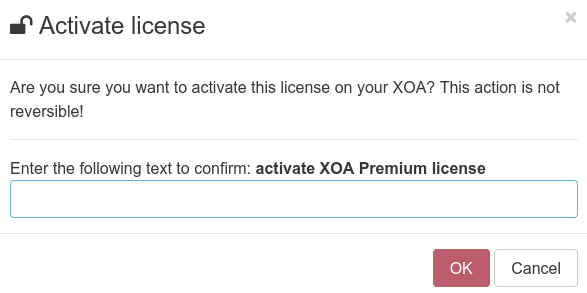
Click Activate license and confirm your choice when prompted.
Verification
The license no longer appears as available for activation in the license section; it is now bound to your appliance.
Was this page helpful?